GTA 6 early fixes: missing mission, fast travel and a lost car
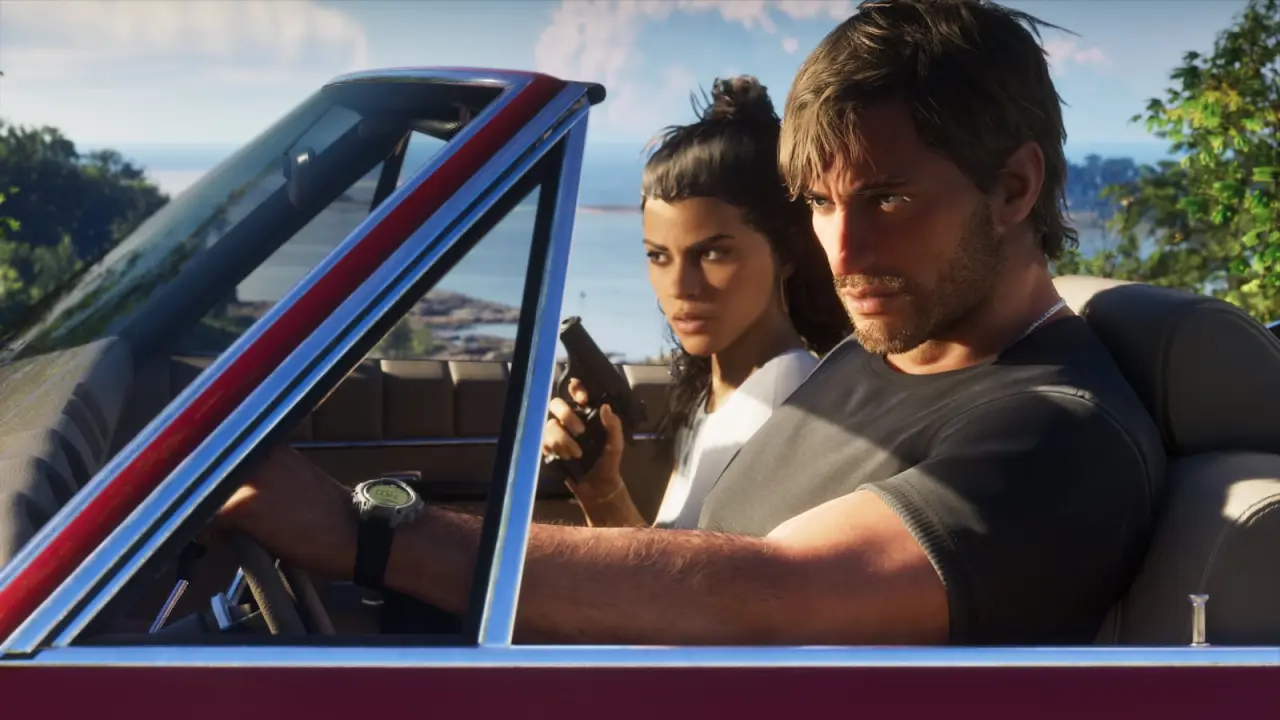
Can’t see your next mission? Not sure how to cross the map quickly or get your car back? Answers to the most common questions from the first days after launch.
The first days after launch bring the same questions over and over on forums. Here are the most common ones with short answers.
The next mission doesn’t appear
The next mission doesn’t always start on its own. Open the in-game map screen: it has a mission list where you can always find the next one.
Pick a destination without opening the map
Hold down on the D-pad and the game shows nearby places and objectives to choose from. It is faster than opening the full map every time.

Fast travel
Players recommend the RydeMe app on your character’s phone. You order a ride and can arrive instantly or watch the whole trip.
Your car is far away
The Scooter Bros. app on your phone delivers your car to wherever you are. Handy when you leave it on the other side of the map.
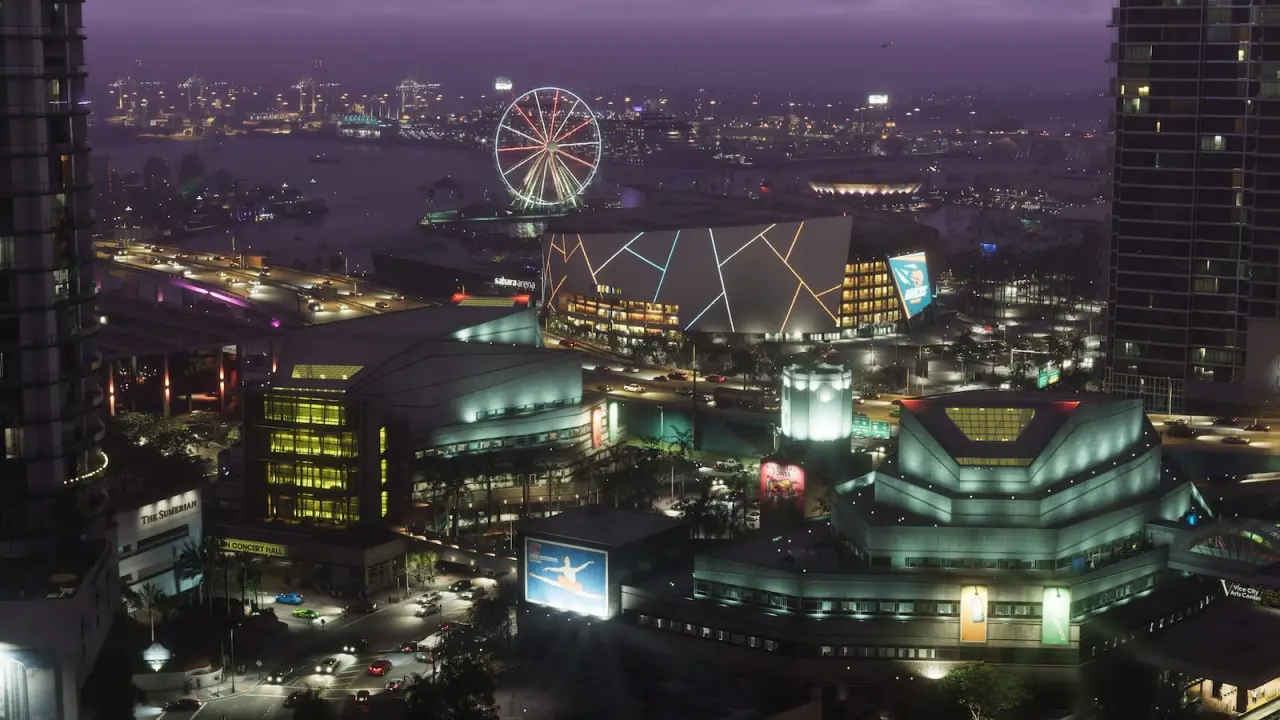
Bugs, freezes and saves
- Install the latest game update before a long session
- Save manually before important missions, as players report stuck missions and save issues
- Reddit has a bug megathread where you can check whether others have the same problem
Finding places
Our map has more than 3,600 places. Press Ctrl+K or “/” and type what you’re looking for, e.g. “Ammu-Nation”, “tank” or a district name.
Sources
- GTA VI Landmarks Data (GTADB), gtadb.org and contributors (license CC BY 4.0): place names and positions, districts and real-world counterparts; processed data (rescaled coordinates, our own categories)
Unofficial fan site. Not affiliated with Rockstar Games or Take-Two Interactive. Grand Theft Auto and related names are trademarks of their respective owners.